Retailer pilot report format
A customer-ready example of how Shaupa can turn shopper language into merchandising, feed-quality and product-fit decisions after a scoped pilot.
What a pilot makes visible
The report separates intent, weak results, product engagement and feed fixes so retail teams can decide what to improve next without guessing from keyword logs.
Natural-language sessions in this illustrative period.
Queries where category, context or constraints could be read.
Clusters where shoppers asked for unavailable or under-described products.
Attribute, imagery, stock and taxonomy improvements recommended.
All figures on this page are sample values. A real report uses agreed events, catalogue scope and privacy rules.
Demand signals retailers can act on
Shaupa groups shopper requests by the job the customer is trying to complete, then links each theme to merchandising and data-quality actions.
Representative shopper language
Example queries show the difference between a filter request and a decision request.
Signals occasion, budget, outfit bundling and seasonality.
Signals fit attributes, comfort language and product-copy gaps.
Signals taste language that needs style tags beyond product type.
Signals room size, material and bundle constraints.
Missed demand becomes a queue
A pilot report should distinguish range gaps from data gaps. That keeps the recommendations useful for buying, ecommerce and product-data teams.
Searches were specific, but width and comfort tags were thin in the example feed.
Repeated demand, low confidence because size and fit language was inconsistent.
Shoppers wanted complete looks, but product relationships were not defined.
Gift language crossed category boundaries and needs curated tags or collections.

Context is the strongest signal
The most useful insight is not just what people searched for. It is why the shopper needed help, which constraints mattered, and what product-data gaps stopped a confident recommendation.
- Complete decisions, such as outfits or rooms, appeared more often than single-item requests.
- Budget was usually paired with confidence words like comfortable, polished or special.
- Missed results were often caused by missing attributes rather than missing products.
Products that answered a context
These demo products use Shaupa proof assets. Click and save counts are sample values.
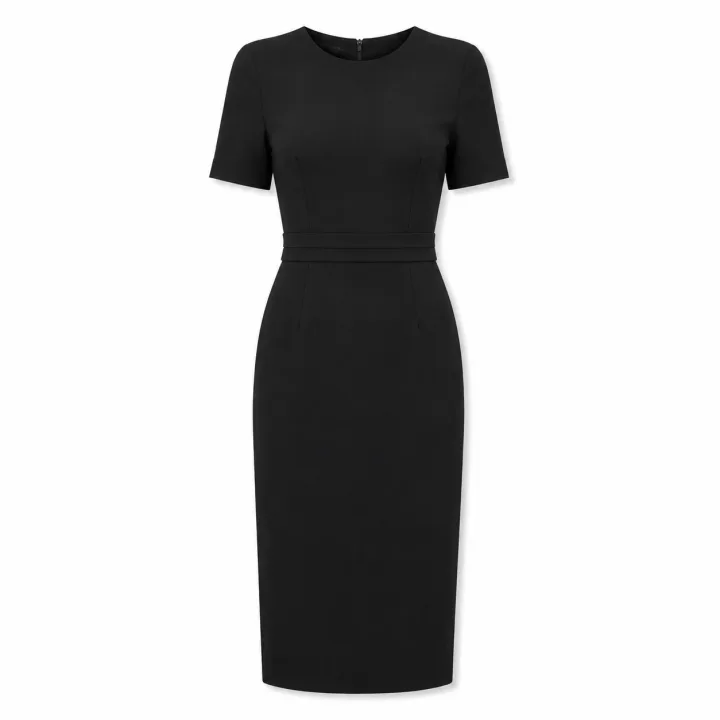
Black midi dress
42 clicks / 18 saves
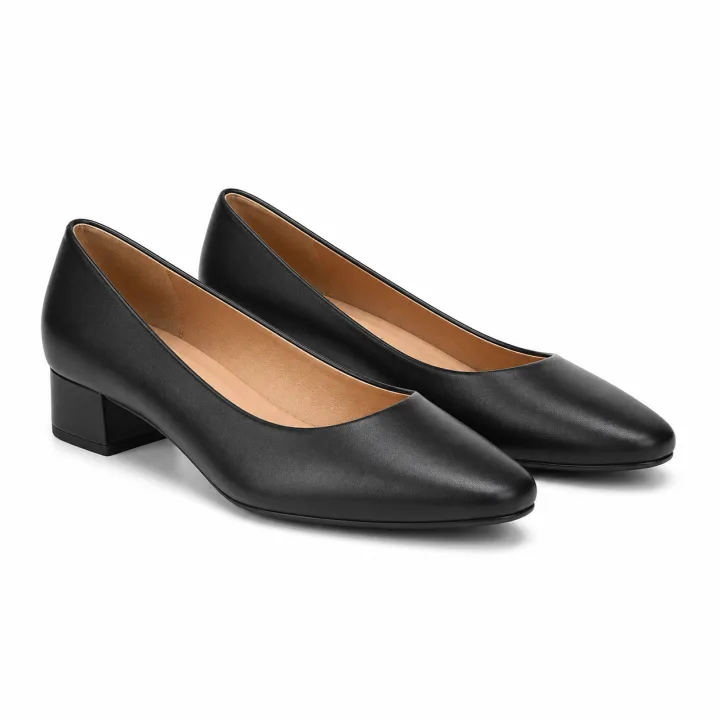
Low black heels
36 clicks / 15 saves
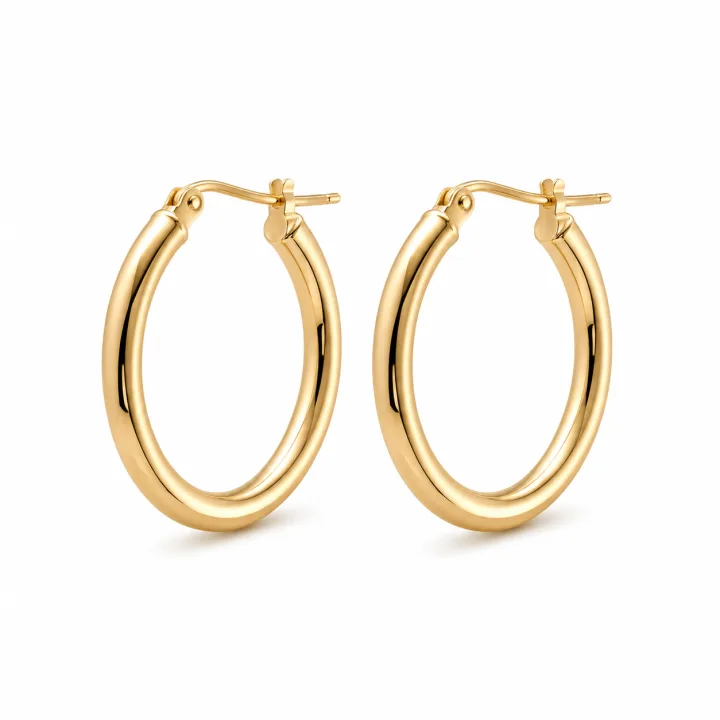
Gold hoop earrings
29 clicks / 13 saves
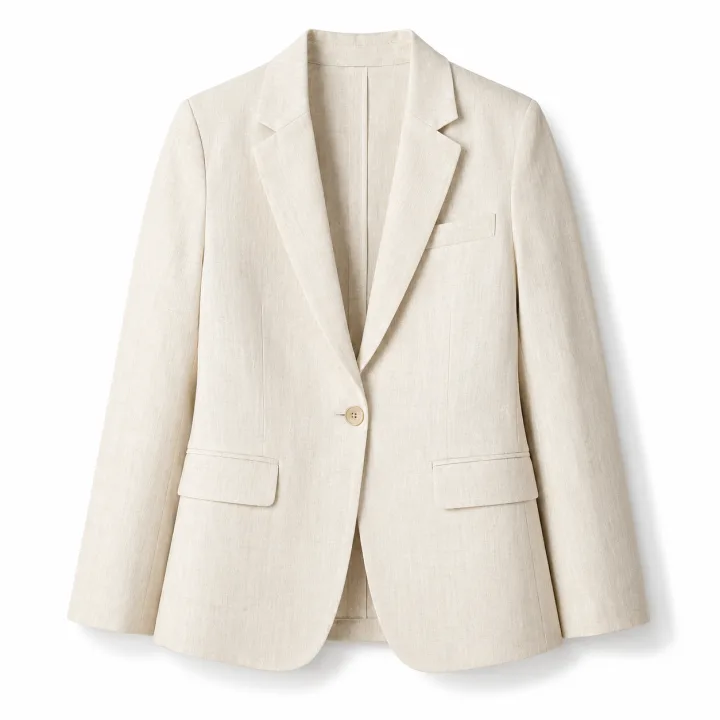
Cream linen blazer
24 clicks / 9 saves
Next actions after a pilot
Each recommendation should be practical enough for a retailer team to assign.
- Add fit and comfort attributes.Width, adjustable features, heel height, fabric feel and seasonality.
- Normalise colour and material fields.Keep display copy, then add controlled values for ranking and filtering.
- Tag occasion and use case.Work, wedding guest, travel, small apartment, gifting and capsule wardrobe signals.
- Define product relationships.Complete-the-look, matching sets, room bundles and accessory pairings.
What becomes real during onboarding
Event scope, catalogue rules, reporting cadence and privacy guardrails are agreed before a retailer pilot starts.
Query submitted, follow-up selected, result clicked, product saved, no-result shown, retailer handoff.
Included categories, excluded products, stock rules, brand tone and priority collections.
Weekly pilot summary, final insight review, recommended feed actions and next-step options.
This noindex page uses sample values so it can support retailer conversations without claiming a live self-service dashboard.